

A recovery package, not one file
How do I back up my website before a change?
Save the platform copy, content, media, complete page views, and the exact recovery steps. The backup has to answer how you get the last working version back.
A theme download is one part.
A useful backup is not one download. Before changing a website, save the theme or code, export the content the platform allows, capture every public page at computer and phone size, download important media, and write the steps for putting the old version back.
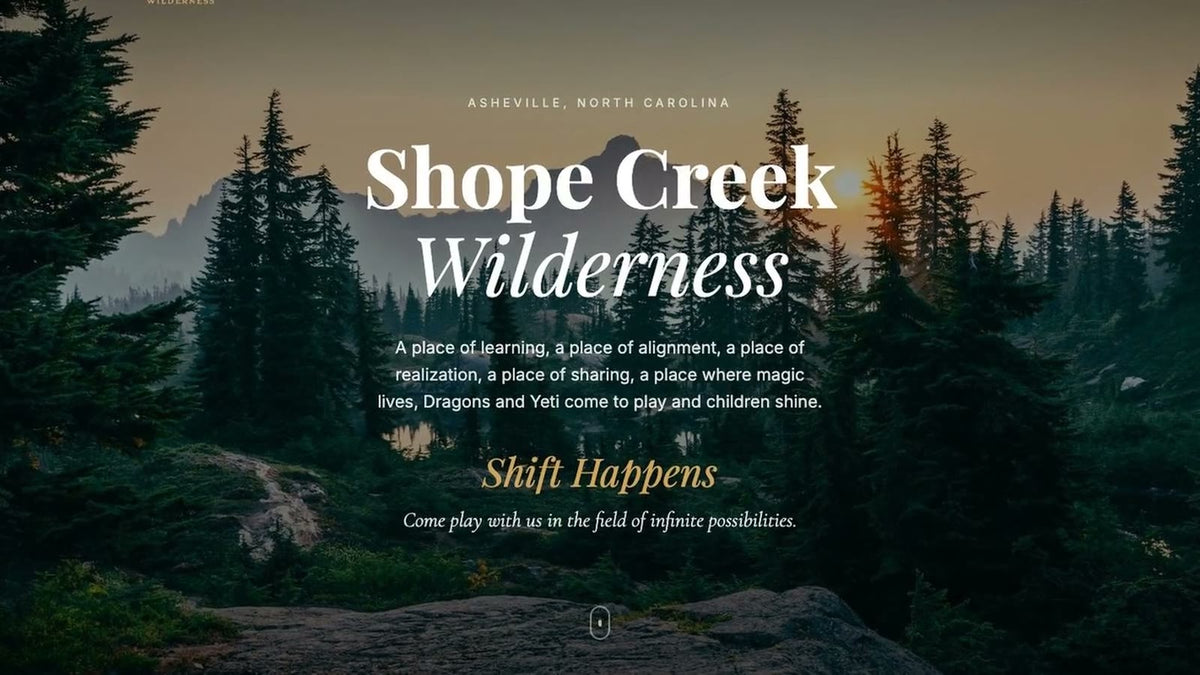
For the Asheville Shope Creek Wilderness move, the full private backup began Friday at 6:14 AM. Every public address was captured at computer and phone size, every image and sound file was saved with a checksum, and an offline copy of the whole site was kept.
Files without a recovery plan still leave people guessing. The protected version needs a date, an owner, and a clear restore target.
Run the recovery test today.
Ask whether another person could restore the last working state from this package without relying on memory.
- Name the change and rollback point. Record what will change, which live version is protected, and who can restore it.
- Save the platform copy. Download or duplicate the theme and export the site data the platform makes available.
- Capture complete public pages. Record each important page at computer and phone size from top edge to bottom edge.
- Save media and working parts. Download images, documents, and audio. Record forms, redirects, menus, and outside tools.
- Prove the package opens. Read the archive, open sample files, compare checksums when used, and identify the exact saved version.
The live website cannot be the only place that holds its own way back.
What usually goes wrong
The theme is copied and the website is called safe. A theme may preserve layout and code while product records, files, forms, app settings, domain records, and outside services still need separate treatment.
Partial pictures are not recovery
A crop can miss the footer, form, download, or exact section that broke. Pictures help prove appearance, but they do not preserve the underlying words, links, files, settings, or working behavior.
What to check after
Open the archive outside the tool that created it. Confirm the expected date and version name. Open sample images and documents. When checksums are used, compare a sample and save the result.
Read it like a stranger
The recovery instructions should identify the target, saved version, required access, order of operations, and live checks that prove recovery worked. Assume the original builder is unavailable.
The real Asheville case
Every public address, both sizes.

The package captured every public address at computer and phone size, saved every image and sound file with a checksum, and kept an offline copy. That record supplied the source for rebuilding 31 pages on Shopify the next day.
See the backup proof →Is a Shopify theme download enough?
No. Shopify documents separate exports and manual setup for different store information. Save the theme, then account for content, files, settings, apps, and outside services. Write down anything that must be recreated by hand.
Are screenshots enough?
No. They are visual evidence, but they do not preserve code, text structure, files, form destinations, or settings required for recovery. Capture full pages anyway, because they give the restored version a fair visual target.
How often should I back up?
Save a known version before a material change and on a schedule that matches how often the site records change. Make the protected version identifiable. A file called final is weaker than a dated version tied to the exact change.
Where should it live?
Use a durable location with clear ownership, access, and version names. Keep recovery material separate from the live site it protects. Make sure the person responsible for recovery can reach it when the normal site tools are unavailable.
A second case, the same standard.
Before the chosen de la terre Skincare home page went live, the live theme was backed up at 6:00 AM. Her chosen version went live at 8:39 AM after approval by text, and the previous version remained saved and unpublished. See that live case →
Three free concepts
Make the change with a way back.
Send us your site and we draw three free homepage concepts for it, on your own page. Start Right is based in Hendersonville, serves Asheville and Western North Carolina, and Will has 19 years in the work.
Keep exploring: Asheville web help, services, and website work.